
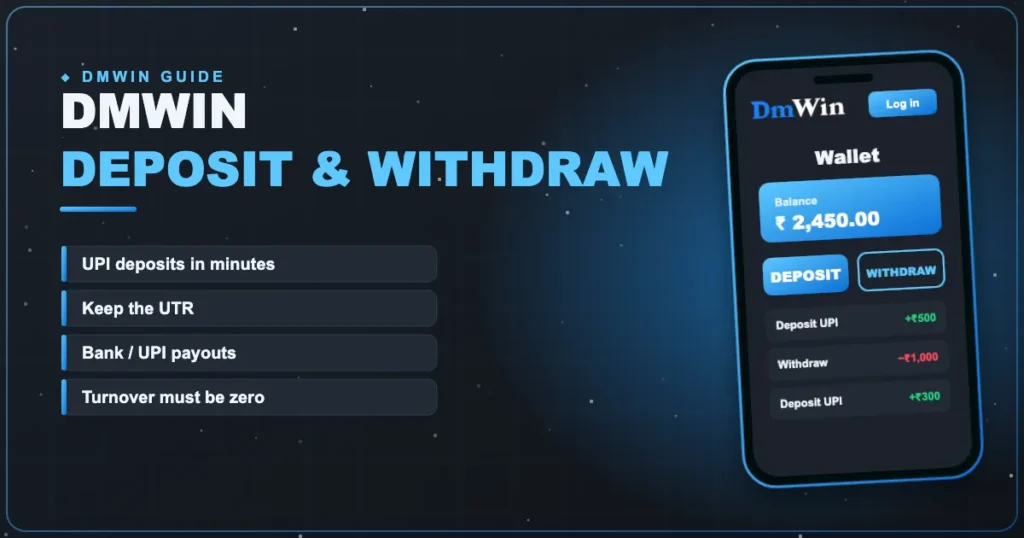
 UPI · Bank · USDT
DmWin Deposit & Withdrawal
Money in and money out of DmWin — every step and every status.
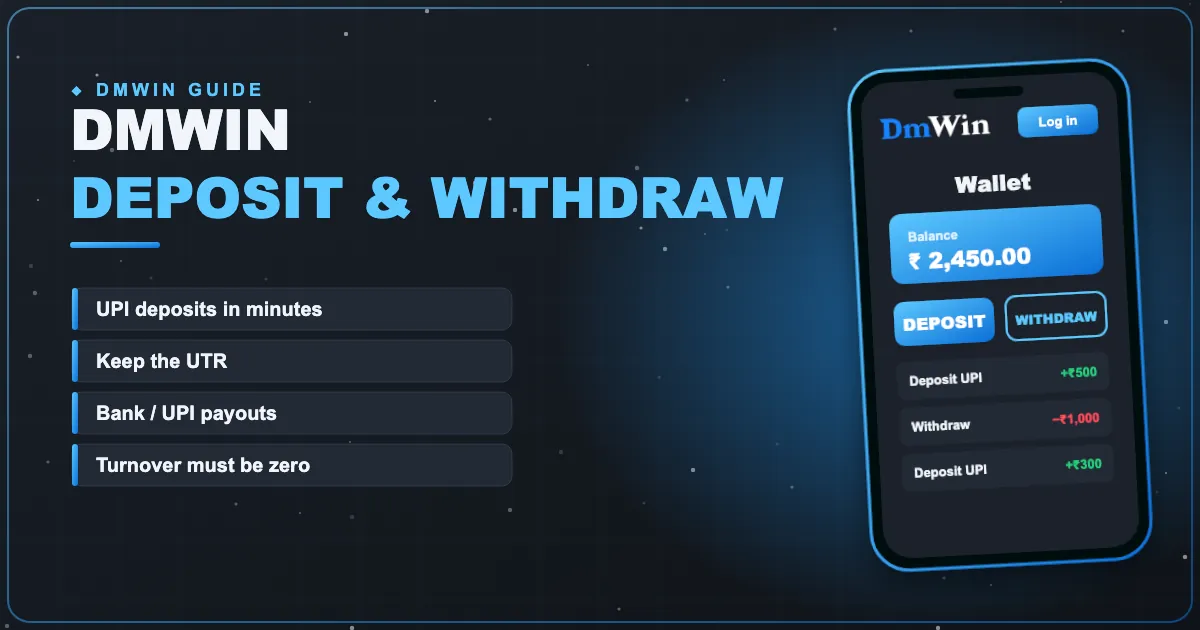
Most wallet problems on DmWin come from three things: a missing UTR, unfinished turnover, or a bank name that doesn’t match. Handle those and the wallet becomes boring — which is exactly what you want.
Depositing with UPI
- Tap Wallet → Deposit.
- Choose a channel.
- Pick an amount.
- Tap Deposit — a payment page opens.
- Pay in PhonePe, Google Pay, Paytm or your bank app.
- Save the 12-digit UTR.
- Return to DmWin; the balance updates shortly.
| Under 10 min | Normal |
|---|---|
| 10–30 min | Bank delay — keep the UTR |
| 30+ min | Message support with UTR + screenshot |
Only pay on the payment page opened inside DmWin. Never send money to a UPI ID someone gives you in chat.
Before your first withdrawal
- Account → Settings → create a withdrawal password.
- Add your bank account (name, number, IFSC) or UPI ID.
- Make sure the name matches your bank record exactly.
Withdrawing
- Open Wallet → Withdraw.
- Check remaining turnover is zero.
- Enter an amount within the limits.
- Confirm with your withdrawal password.
- Track the status in history.
| Processing | Being reviewed |
|---|---|
| Completed | Sent — bank credit may lag |
| Rejected | Usually bank details; funds return to wallet |
Why do some payouts take longer than others? We explain in DmWin withdrawal time.
Back to the DmWin homepage.
Manage your DmWin wallet
Free sign-up, quick UPI deposits and the full Dm Win lobby — your account is ready in about a minute.
Frequently asked questions
What’s the minimum DmWin deposit?
Shown on the deposit screen; it depends on the channel.
How long do deposits take?
Usually a few minutes. Keep the UTR in case one is slow.
Why is my withdrawal blocked?
Remaining turnover from a deposit or bonus.
What if a withdrawal is rejected?
The amount returns to your wallet; fix the bank details and try again.